myHealth Malta: How to Log In and See Your Medical Records
myHealth is Malta’s official online patient portal. Here is what it does, how residents sign in with an e-ID, and what to expect once you are inside.
Key takeaways
- myHealth is the official Maltese government patient portal at myhealth.gov.mt.
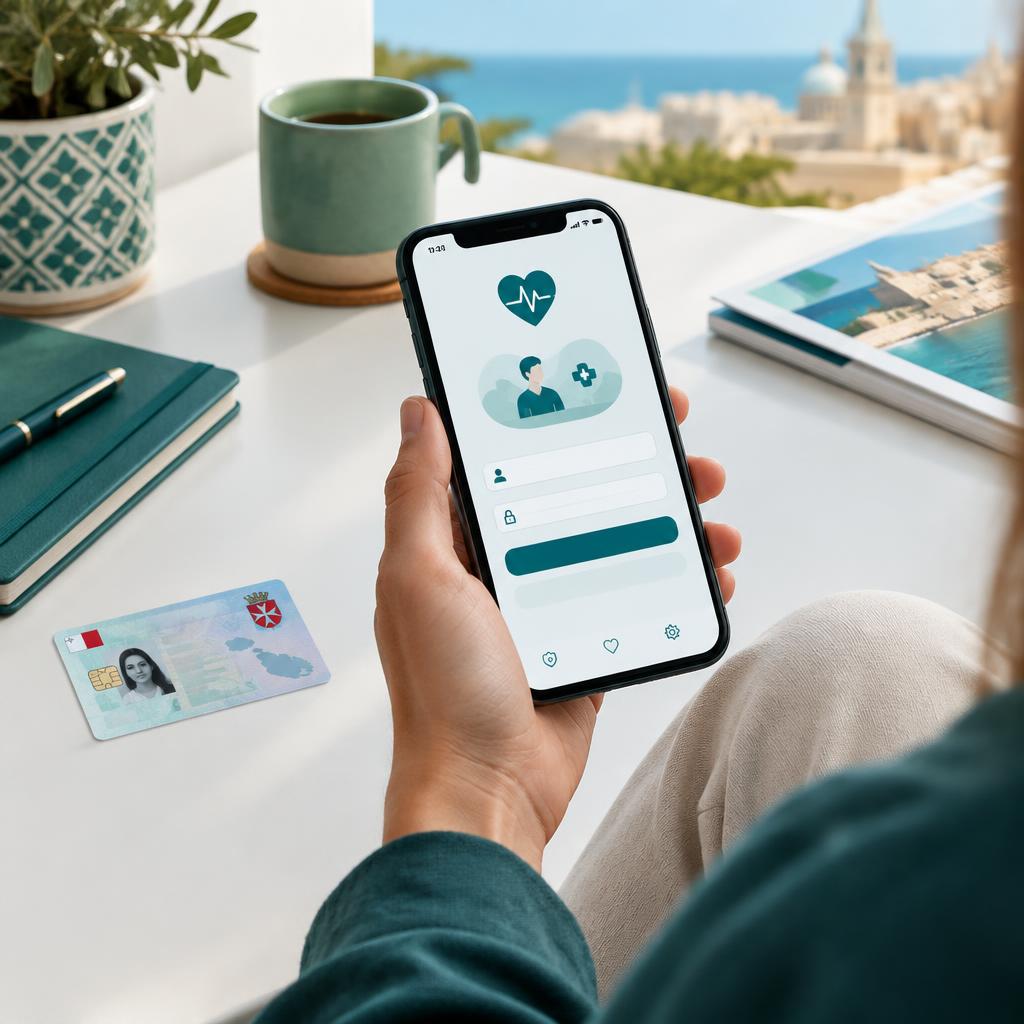
- Residents log in with their Maltese e-ID account, the same identity used for other government e-services.
- The portal lets you view parts of your public-health record, such as appointments, referrals, results and medication information.
- If you cannot log in, the fix is usually with your e-ID account, not the portal itself.
What is myHealth?
myHealth is the Maltese government’s online patient portal. It gives residents a secure way to see parts of their public healthcare record without visiting a clinic or calling a department. Think of it as a window into the public system: appointments, referrals, some test results and medication information in one place.
It is not a private clinic, not a booking service for private doctors and not an emergency channel. It shows information from the public health system. Care you receive privately, for example from a private GP, will not normally appear there.
Who can use it
The portal is aimed at Maltese residents who are registered in the public health system and hold a Maltese e-ID account. Tourists and short-stay visitors will not usually have an account, because it is tied to a Maltese identity registration rather than to a holiday visit.
If you are an expat who has recently moved to Malta, you will generally need your residence documentation and e-ID in place before the portal works for you. That process is handled by Identity Malta, not by the health service.
How to log in, step by step
- Go to the official portal at myhealth.gov.mt. Type the address yourself or use the link in the sources below; avoid lookalike links in messages.
- Choose the login option. You will be redirected to the government’s e-ID sign-in, the same account used for other Malta e-services.
- Enter your e-ID username and password, then approve the sign-in. Keep your e-ID credentials private; no clinic or magazine will ever need them.
- Once signed in, you land on your portal dashboard, where the available sections of your record are listed.
- When you finish, log out, especially on a shared computer or phone.
If you do not yet have an e-ID account, or you have forgotten the password, that has to be sorted through Identity Malta’s official channels first. The portal itself cannot reset an e-ID.
What you can see inside
Depending on your record, the portal can show upcoming and past public-sector appointments, referrals, some laboratory results and medication-related information. Not every result appears instantly, and not every type of record is included, so an empty section does not necessarily mean something is wrong.
The portal is a viewing tool, not a diagnosis. A result shown without context can be worrying or misleading. If a result concerns you, discuss it with your GP or the clinician who ordered the test rather than interpreting it alone.
Common problems and fixes
- Login fails or loops: the issue is usually the e-ID account. Check your credentials or reset them through Identity Malta.
- A recent result is missing: public results can take time to appear. Ask the clinic or Health Centre that ordered the test.
- Details look wrong: contact the official myHealth support or the department responsible for that record; third parties cannot edit it.
- You never had public care in Malta: there may simply be little to show. Private visits are not part of this record.
myHealth and private care
myHealth covers the public system. If you see a private GP in Malta, that consultation, prescription or sick note lives with the private provider, not in myHealth. Many people use both: the public portal for their hospital and Health Centre history, and a private GP when they want a fast, convenient appointment.
If you are new to Malta and still waiting for your e-ID or public registration, a private GP is often the quickest way to be seen in the meantime.
A note from DoctorMalta
DoctorMalta is an independent editorial magazine, not the myHealth operator and not a government body. Portal features, login steps and availability can change, so always follow the instructions on the official myHealth website. If something in the portal looks wrong, contact the official support channels rather than a third party.
This information cannot diagnose your symptoms or replace individual medical advice. For a medical emergency in Malta, call 112.
Continue reading
Sources and references
Related guides
Health Centres in Malta: How Public GP Care Works
How Malta’s government Health Centres and Community Clinics work: GP services, nursing, tests and more, walk-in vs appointments, and where to check current details.

Medical Help in Malta: A Complete Guide for Expats
A complete guide for expats and people who recently moved to Malta: entitlement to public care, finding a GP, pharmacies, specialists, insurance and emergencies.

Healthcare and Insurance in Malta: A Practical Guide
A plain-English guide to Malta’s healthcare system for residents and tourists: how to search for and find a doctor, public vs private care, and how health and travel insurance work.